Quick answer
- Natural language scheduling lets users type reminders the way they think: "tomorrow morning", "next Friday" or "every week".
- It works best when the app shows the parsed result before saving.
- On Android, the reminder still needs reliable notification, alarm and battery handling after parsing.
- Natural language is fastest for capture, not a replacement for editing and confirmation.
Plenty of reminder failures happen before Android scheduling even starts. You remember something, unlock the phone, open an app, tap a date, tap a time, choose repeat rules, write the note, then try to remember what you opened the app for. That is exactly where natural language reminders help.
A phrase such as "call Sam tomorrow at 9" is closer to the original thought than a stack of controls. The app can turn that phrase into a scheduled reminder, while still letting you confirm the result before it becomes a notification.
Good parsing should be visible
Natural language scheduling should not feel like a black box. If you type "Friday evening", the app should show what it understood. If the phrase is vague, it should offer a safe fallback rather than quietly choosing the wrong time.
This matters for recurring reminders too. "Every Monday" and "every month" are simple phrases, but they become stored schedules with future occurrences. The app has to preserve the intent and reschedule the next notification after each delivery.
Notification-first reminders suit Android
Some tasks deserve a full project manager. Many do not. "Take the bins out", "pick up milk", "reply to this email" or "check the oven in 20 minutes" often work better as Android notification reminders because they stay visible.
Pinned notification notes are the same idea without a due time. A pinned note can keep a code, address, shopping item, phone number, link or task visible until it has done its job. Natural language scheduling extends that quick-capture idea to timed and repeating reminders.
Natural language does not remove Android's reliability rules
Parsing the date is only step one. After that, Android still needs to deliver the reminder through alarms, notifications and background rules. On modern devices, notification permission, exact alarm access and battery settings can all affect whether the reminder appears when expected.
That is why a practical reminder app needs fast input and solid reliability work: save the reminder properly, rebuild schedules after reboot, preserve images and links, handle edits cleanly and explain the Android settings that can block notifications.
Where natural language helps most
- Short one-off reminders created while doing something else.
- Recurring task reminders that would be slow to configure manually.
- Follow-up reminders from shared text, links or screenshots.
- Pinned notes that later become timed reminders.
- Work prompts where speed matters more than a full task management system.
How Quick Reminders fits in
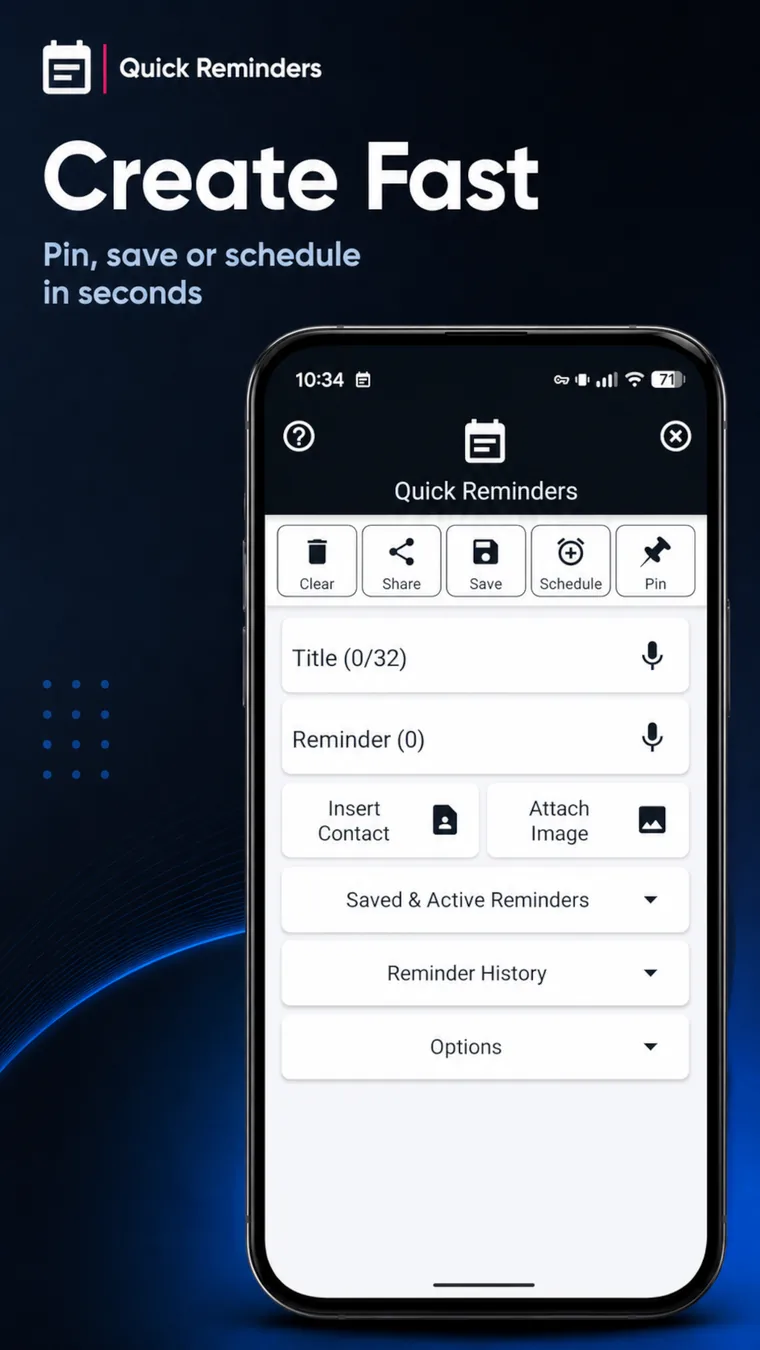
Quick Reminders & To Do now includes natural language scheduling alongside pinned notes, image reminders, links, contacts and recurring notification reminders. It is built for quick Android capture rather than heavy list management.
Bottom line
Natural language reminders are useful because they meet the user at the moment of memory. The best Android implementation still needs clear confirmation, editable details and reliable notification delivery, but the first step should be fast enough that the reminder gets captured at all.