Quick answer
- Android delays some background work to save battery, especially while the phone is idle.
- Exact alarms are meant for user-facing, time-critical features such as alarms and reminders.
- A reminder that fires but cannot show a notification still feels like a failed reminder.
- Some manufacturers add extra battery limits on top of standard Android behaviour.
If you have ever searched for "Android reminders not working" or "why did my reminder show late", you have run into one of Android's hardest balancing acts. Phones need to preserve battery. Users also expect timed reminders, pinned notes, medication prompts, tasks and calendar-style alarms to appear when requested.
Those two goals can clash. Android reduces background activity when the screen is off and the device is idle. That helps battery life, but it means reminder apps have to use the right scheduling tools and be honest about the settings that affect delivery.
Doze and App Standby are normal Android behaviour
Doze and App Standby reduce background CPU, network access, jobs, syncs and standard alarms while a device is idle or an app has not been used recently. Android opens maintenance windows so deferred work can catch up, but that does not mean every ordinary background task fires exactly when it was requested.
For casual background work, that is fine. For "remind me at 8:00", it feels broken. Reminder apps need to treat flexible work and time-critical reminders as different things.
Exact alarms are for time-sensitive reminders
Android's AlarmManager supports different levels of precision. Inexact alarms let the system batch work to protect battery. Exact alarms aim for a specific time, but Android treats them carefully because waking a device at precise times can cost battery.
That is why modern Android versions expose "Alarms & reminders" access. A reminder app should request exact alarm capability only when the feature really needs it, explain why it matters, and handle the case where the user does not grant it.
Notification permission is just as important
On Android 13 and later, apps need notification permission for ordinary notification delivery. A reminder can be scheduled correctly and still fail from the user's point of view if the final notification is blocked. That is especially confusing when the app saved the reminder but nothing appears at the due time.
Good reminder apps should make this visible during setup: notifications, exact alarm access where needed, battery settings where relevant, and a clear way to confirm the phone is allowing reminders to appear.
Recurring reminders need extra care
Repeating reminders are trickier than one-off reminders. A daily prompt, weekly task or monthly reminder needs to survive edits, reboots, timezone changes, daylight saving changes and battery policy. If the app just fires a repeating alarm without checking the stored reminder, it can drift or miss changes.
The reliable approach is to store the reminder, calculate the next occurrence deliberately, reschedule after delivery, and rebuild schedules after reboot or permission changes. It is not glamorous, but it is the part users notice when it goes wrong.
What users can check
- Allow notifications for the reminder app.
- Allow "Alarms & reminders" access if the app explains that it needs exact timing.
- Check app battery settings if reminders stop when the phone is idle.
- Make sure the app is not in a restricted or sleeping state.
- Open the app after a system update if reminders appear to have stopped.
How Quick Reminders fits in
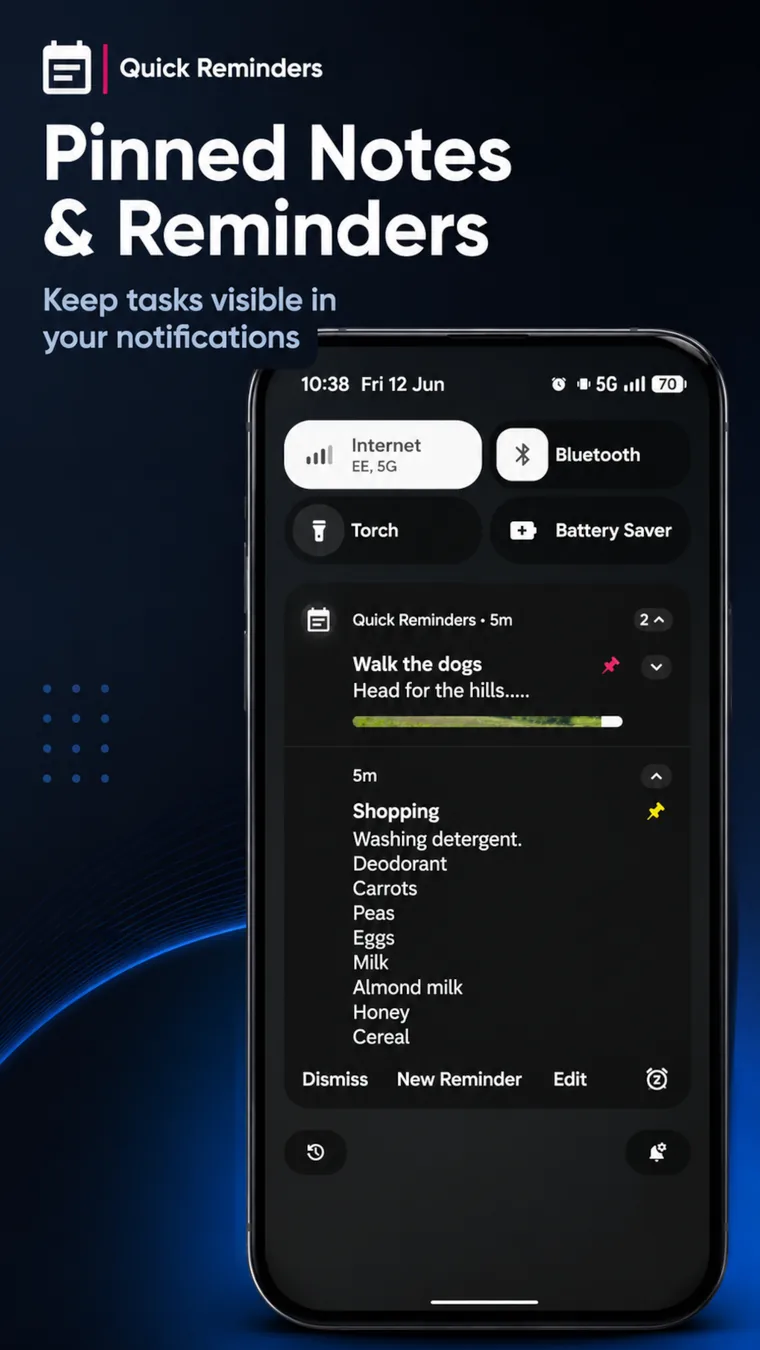
Quick Reminders & To Do is built around notification-first reminders: pinned notes, timed reminders, recurring reminders, image reminders and natural language schedules that stay visible. The aim is simple: keep the reminder easy to create, then preserve the details and rebuild notification state through normal Android lifecycle events.
Bottom line
Late Android reminders are usually not one single thing. They can involve scheduling precision, notification permission, idle mode, battery restriction, reboot handling or manufacturer background policy. A reliable reminder app needs to treat those as part of the feature, not as tiny support footnotes.